
Use the column visibility button to show or hide columns in a table.

- Click on the 'Columns' button.
- Use the selection boxes to select which columns you would like to show in the table. Unchecked columns will be hidden.
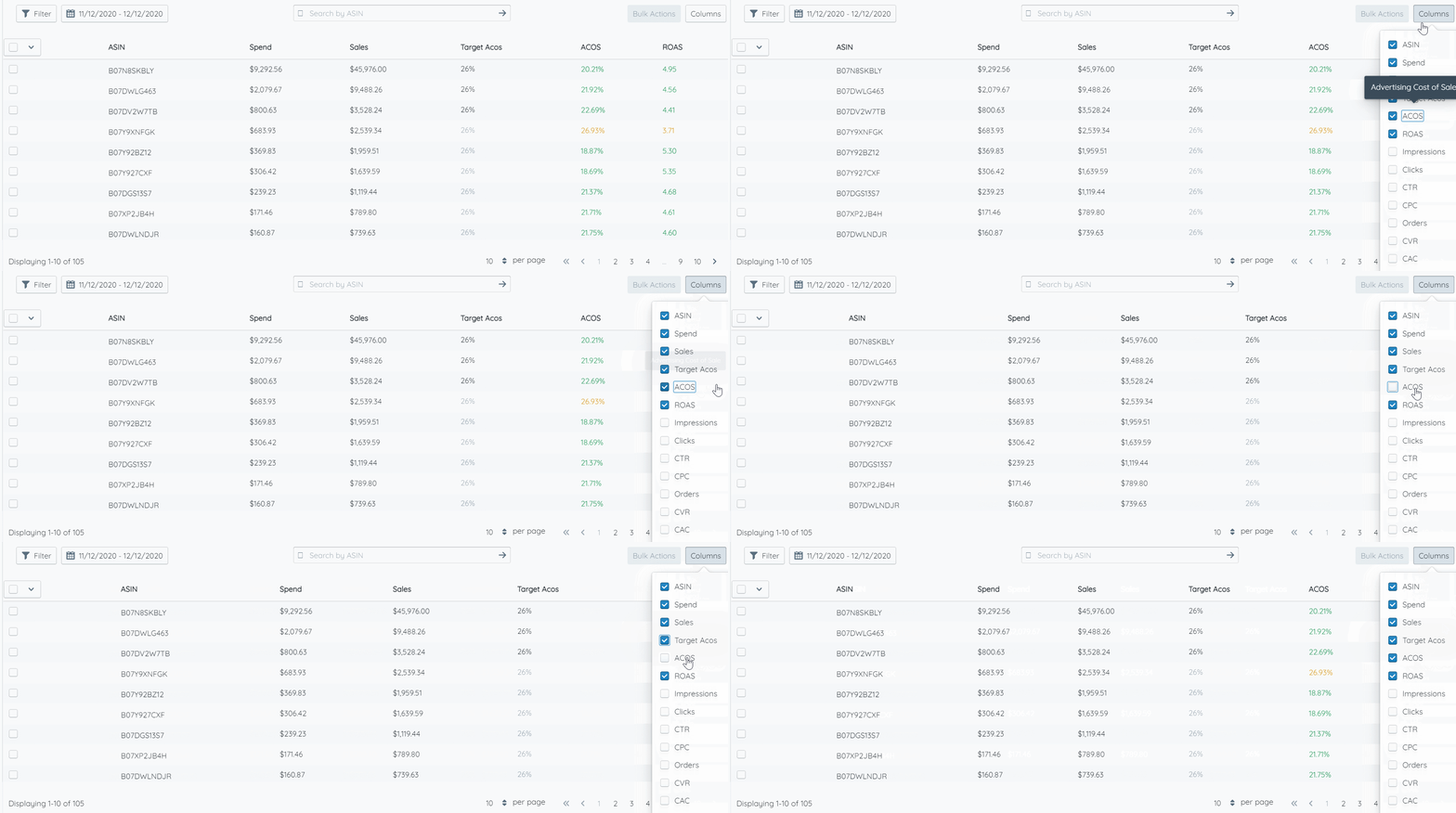
Customize your view by showing only the columns relevant to your current workflow.
Use the column visibility button to show or hide columns in a table.